How to run AI locally

If you want to run a local AI model, it's actually surprisingly easy. The main limitation is that for the specification of many current PCs and Macs (1st January 2026) only allows you to load fairly small AI models which can be a bit dumb.
But, if your machine has more than 20GB of memory, then you can run a decent capability model for doing the traditional ChatGPT-style text-based AI model.

Installing a local AI model
The easiest way for most people is to use LM_Studio - until recently this didn't allow for commercial usage on it's free download but this has changed in mid-2025 (https://lmstudio.ai/blog/free-for-work), making it the most straight-forward way to set up an AI model on a Windows or Mac machine.
Go to the website https://lmstudio.ai/ and select the Download tab in the top right corner.
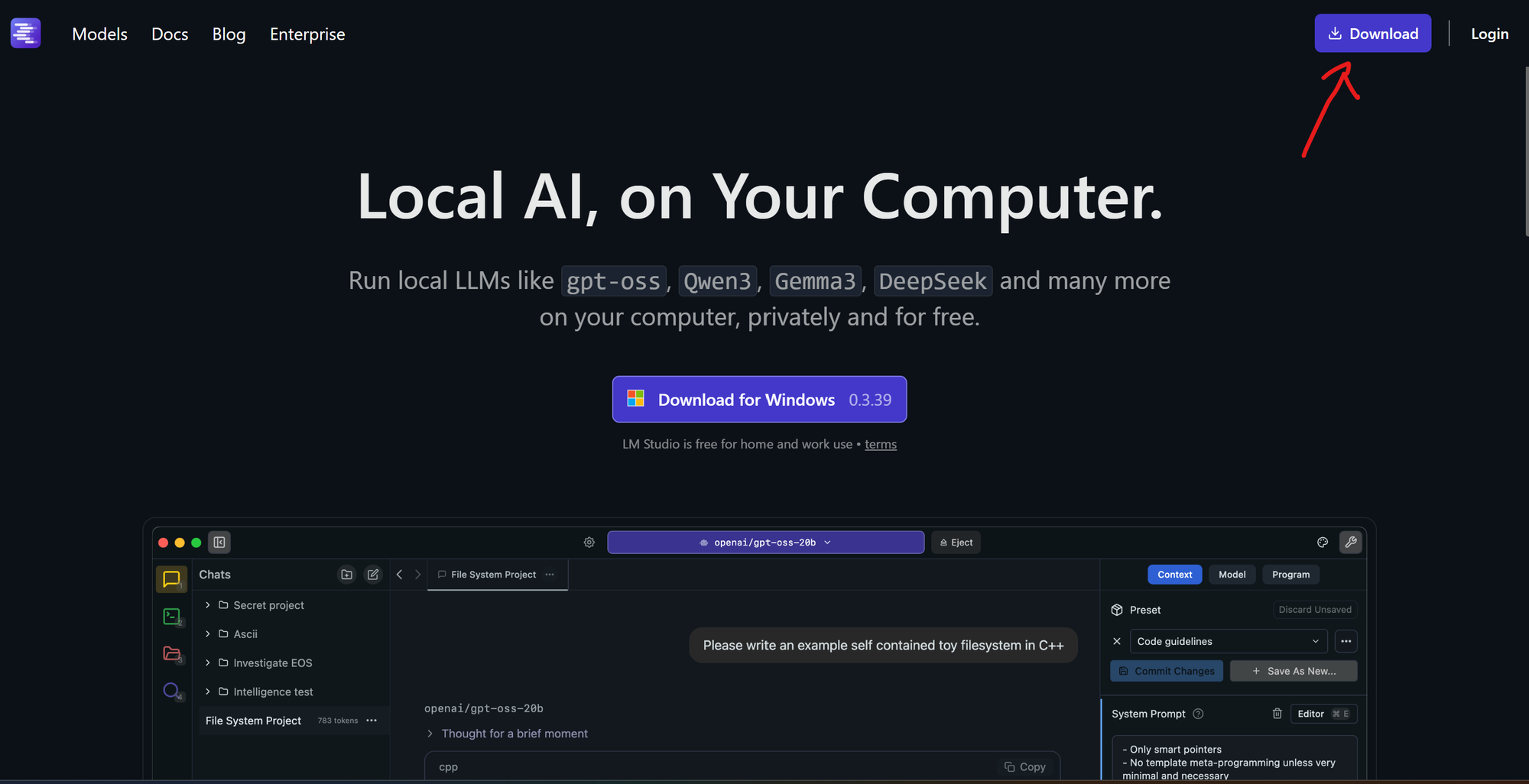
This will take you to a page that hopefully identifies the right version to download (Windows, Unix or Mac) for your machine. Download the file and run it if appropriate.
When you first start LM_Studio, it won't have any models downloaded. A good model to select to start with is openai/gpt-oss-20b. This is an open-source cut-down version of ChatGPT from OpenAI which gives reasonable results.

Other "good" models are the Gemma models from Google, versions of DeepSeek and GLM from Chinese AI vendors. All have advantages and disadvantages.
For example, the gpt-oss-20b is fairly good at generic text tasks like:
"If I was planning a trip to South East Asia in July where are good places to go in July?"

But doesn't have any multi-model capacity - it can generally only use text as opposed to recognising images, unlike a model like GLM_4.6v_Flash which can process images and describe them like in this example:

While it is not yet possible to replicate the capabilities of the bigger online models, these are actually fairly capable, and as they start to use tools (which are things outside the local model, like accessing the web, calculators, and online tools) they are soon going to replicate what most people currently use online AI LLMs for. Without the excessive water consumption, privacy concerns and Skynet concerns of the online vendors.