Don't sleep on NotebookLM

There isn't a better tool for summarising things
Google's AI is great in general, but it has a few specialist tools that are really useful. One of these is NotebookLM which is specifically for summarising a set of sources, which can be documents, YouTube videos, websites or even paste in text.
Anyone with a Google Account can use NotebookLM for free; though there is a limit of up to 50 sources for the free account per workbook. You can get results with even one source, though.

Add sources to NotebookLM
When you create a new book in NotebookLM you will be asked to add Sources on the splash screen:
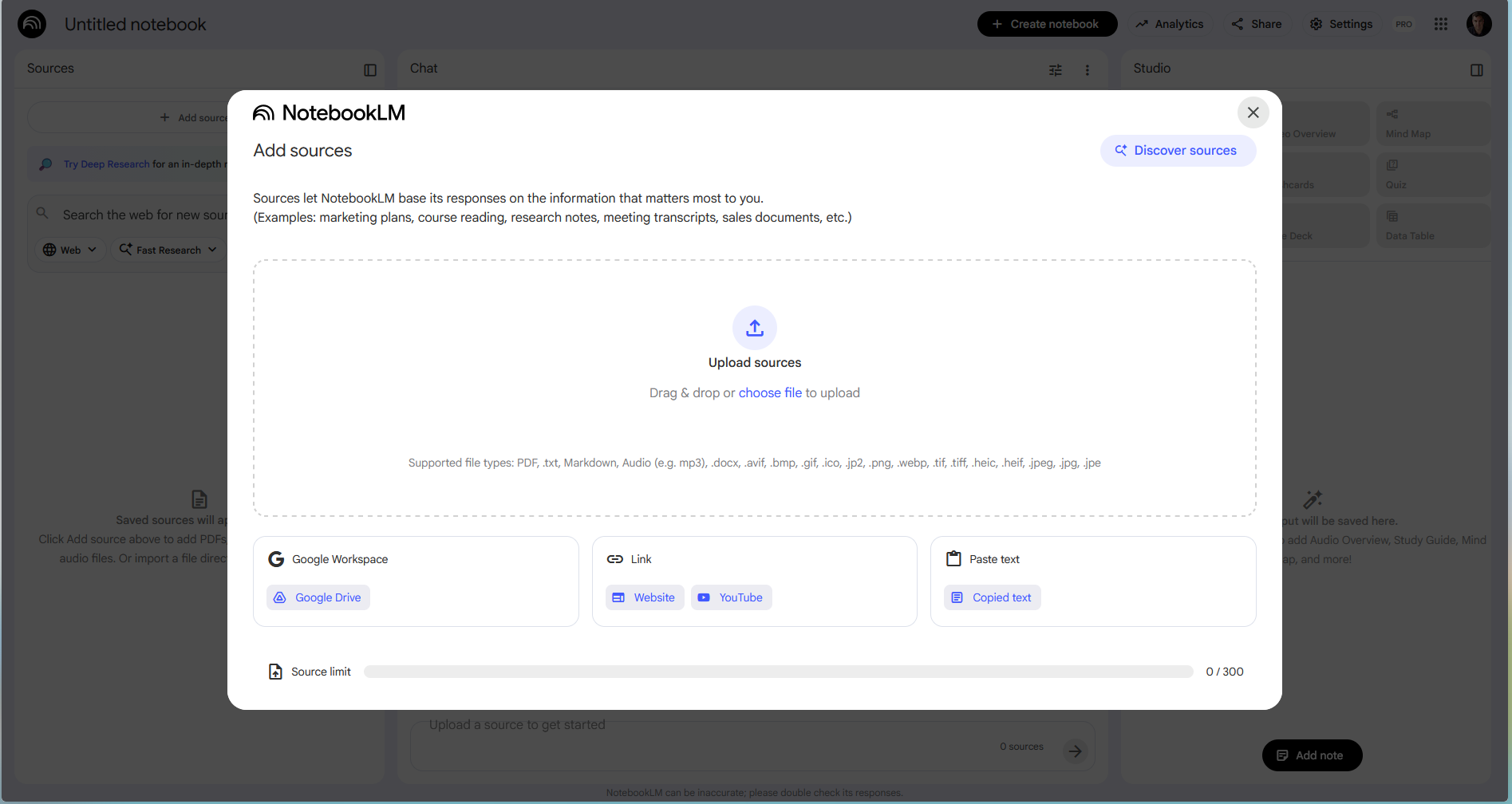
As you can see, pretty much any source can be added here. It does this for the first source you upload, then you can add extra sources on the side panel:
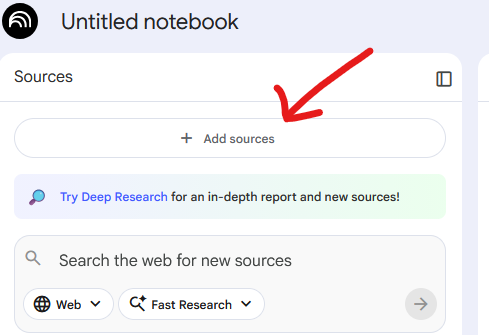
There are also options to use Google search to find sources automatically for you.

Cool ways to summarise things
Infographics, slides, podcasts, videos...
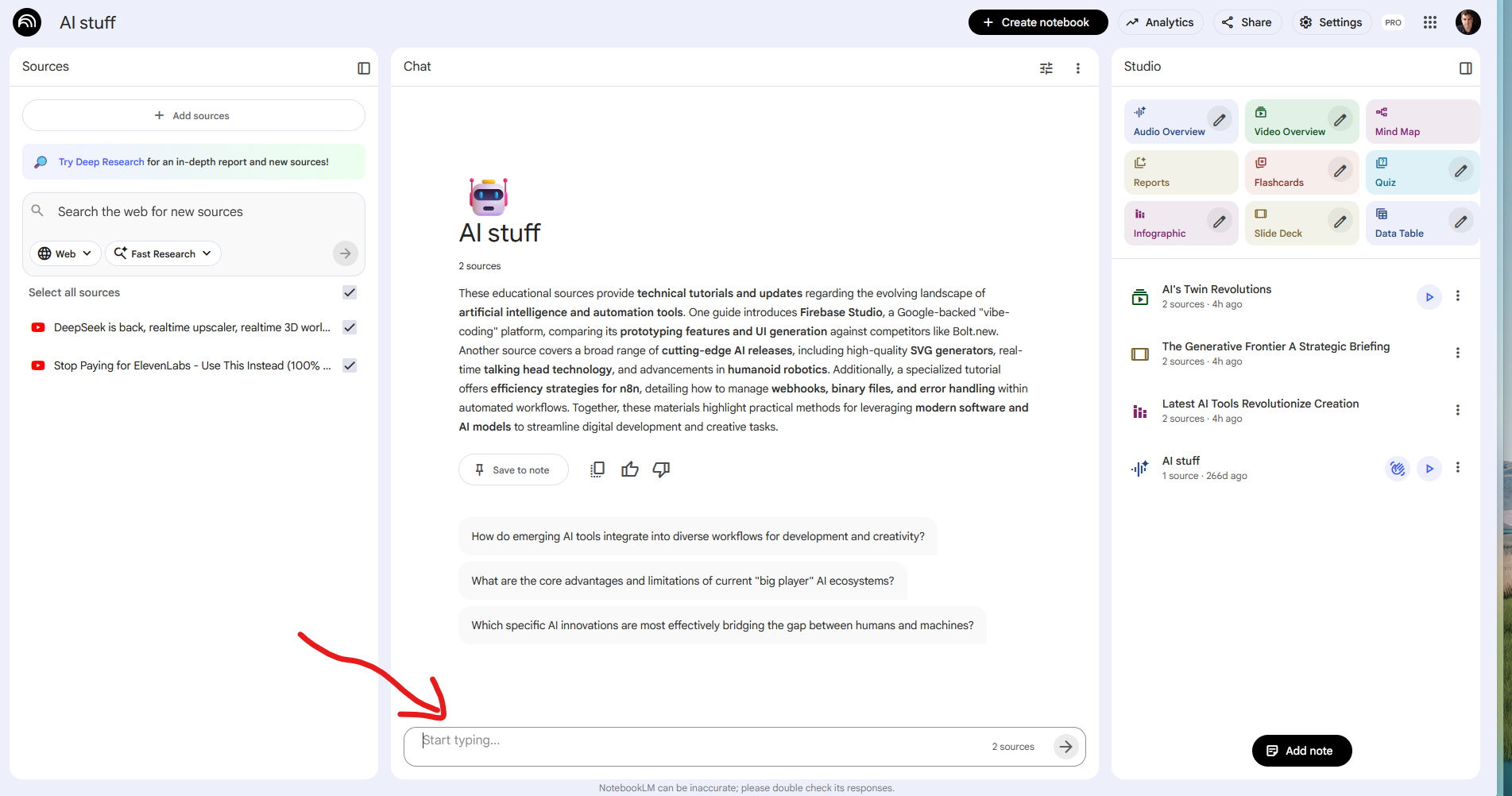
Once your sources have been added, you can choose to create an infographic, a set of slides or even a podcast of AI voices talking about the sources you requested.
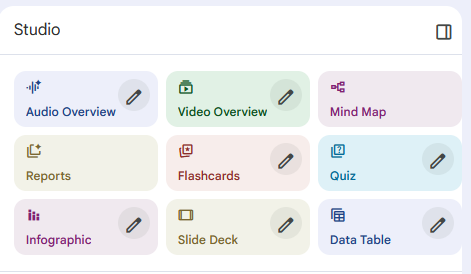
You can choose to create these by using the Studio options in the top right.
For example, I uploaded a video from the Tim Lewis TCF channel and asked Google LM to create an infographic.
Here's the YouTube video:
And here's the infographic that NotebookLM created:
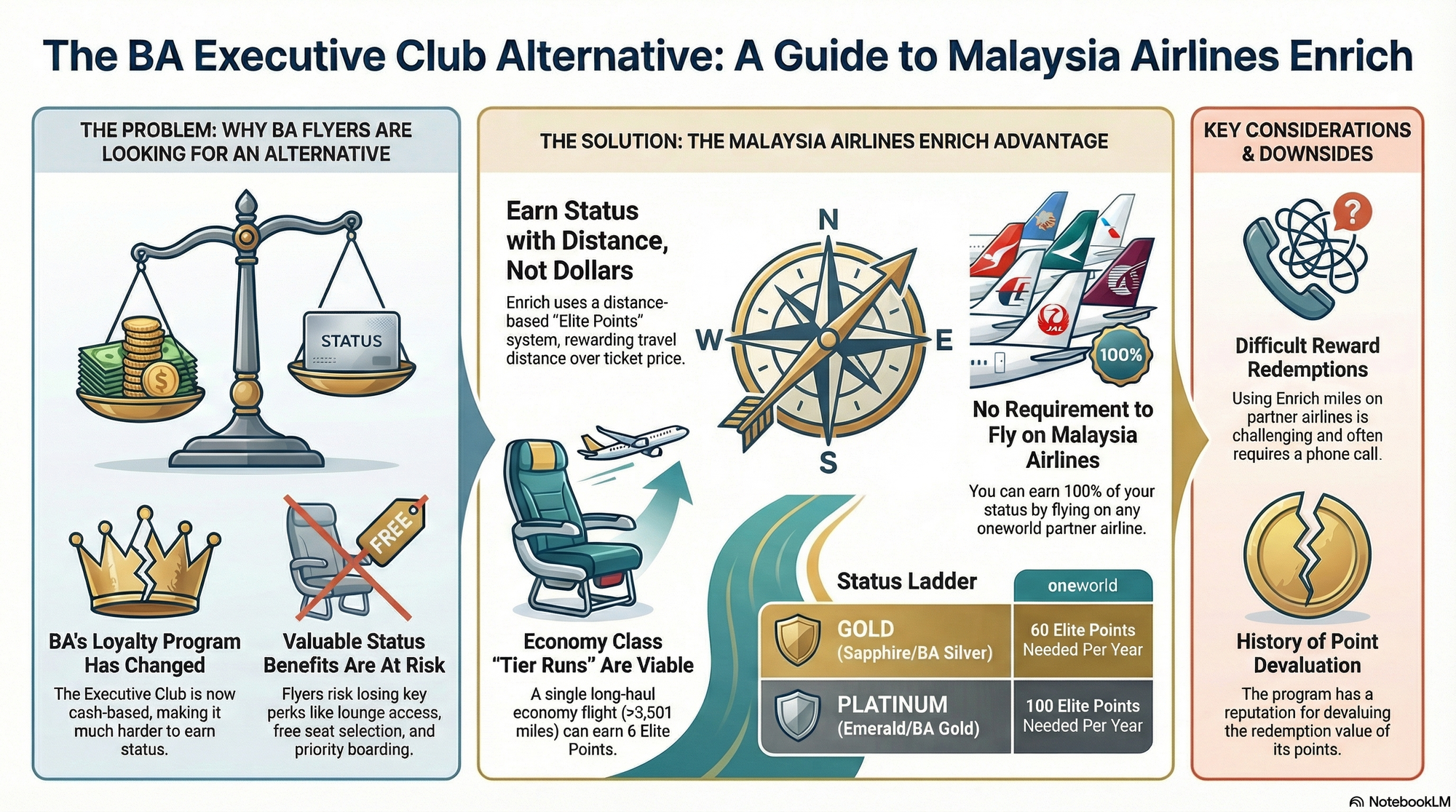
Honestly, this describes what I was going for way more than my video!
For a more complicated set of sources, you might get a better summary of information by creating a slide deck or a podcast summary.
You can also ask questions about the sources as if you were talking to a normal AI model.
So that you can see how powerful NotebookLM could be for summarising things.